Turn a template into
a form anyone can use
Share the link with your team, clients or customers. They fill in the details and download the finished video, in your design.
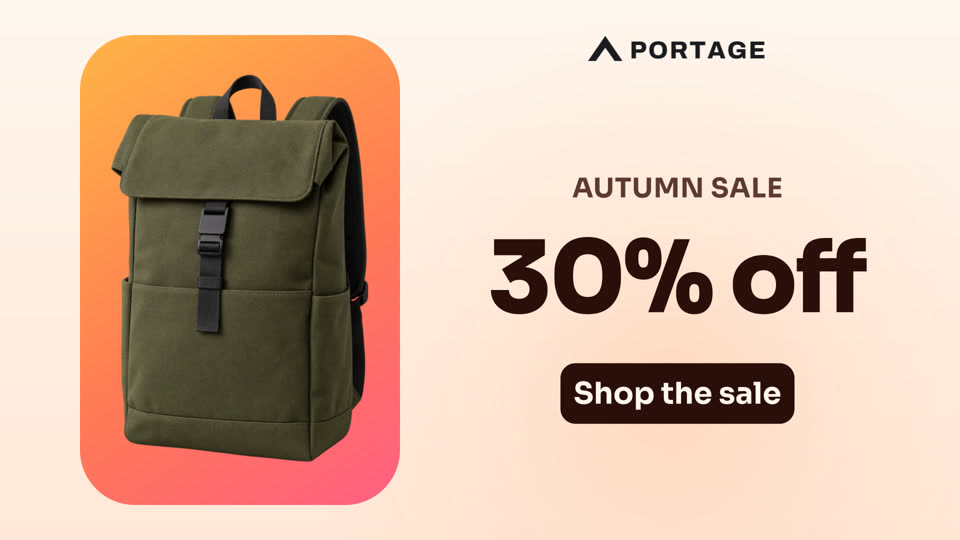
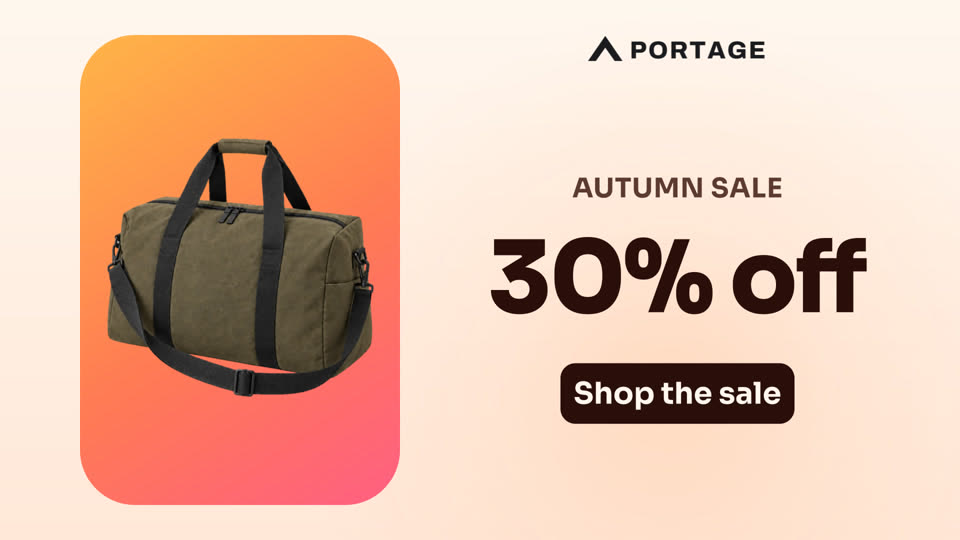
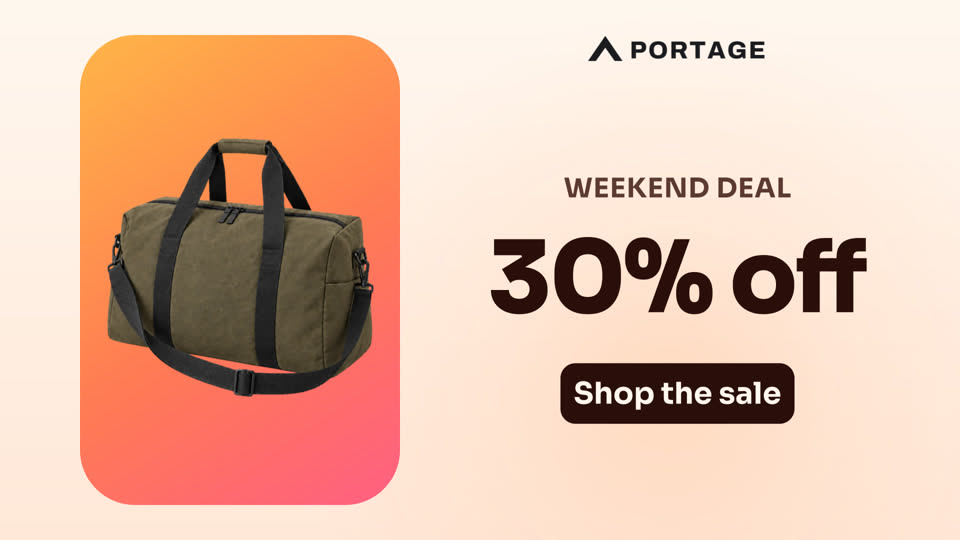
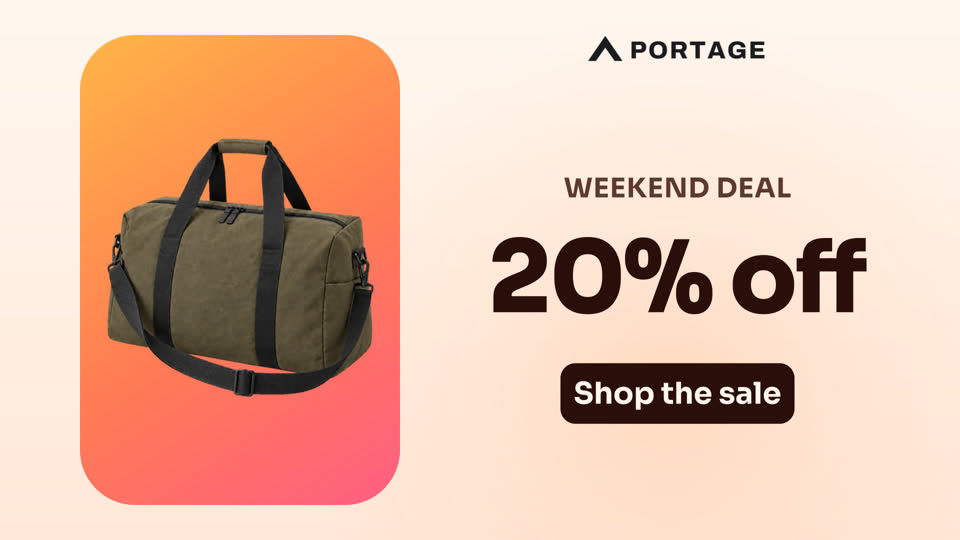
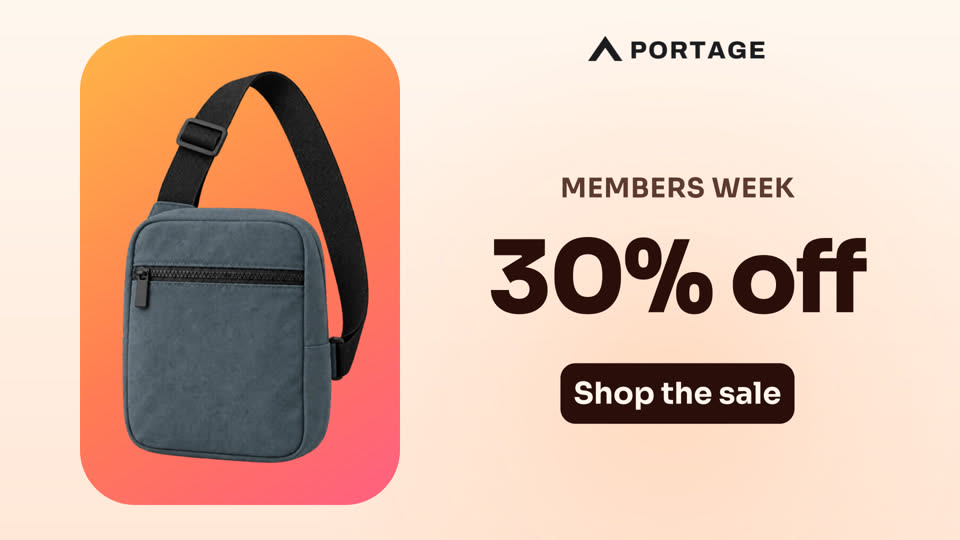
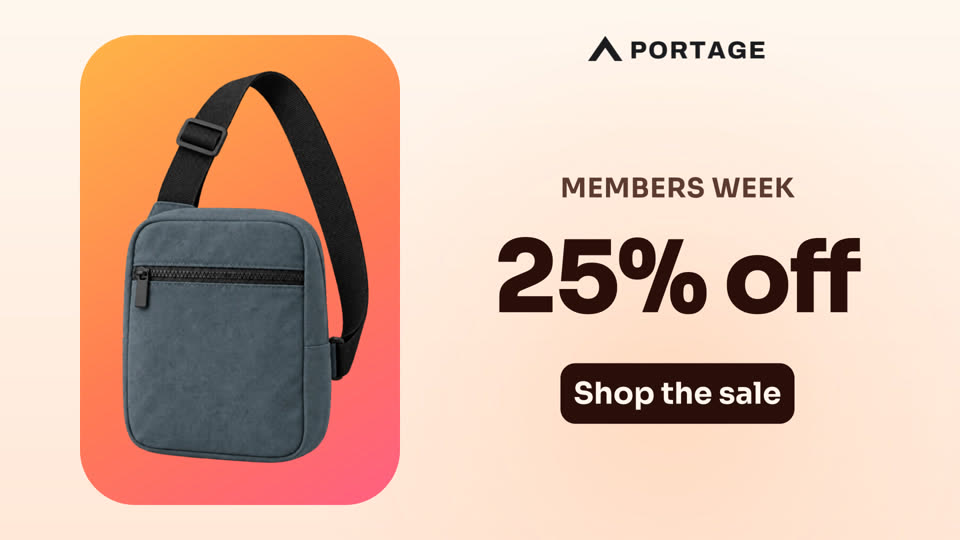

Start with a design
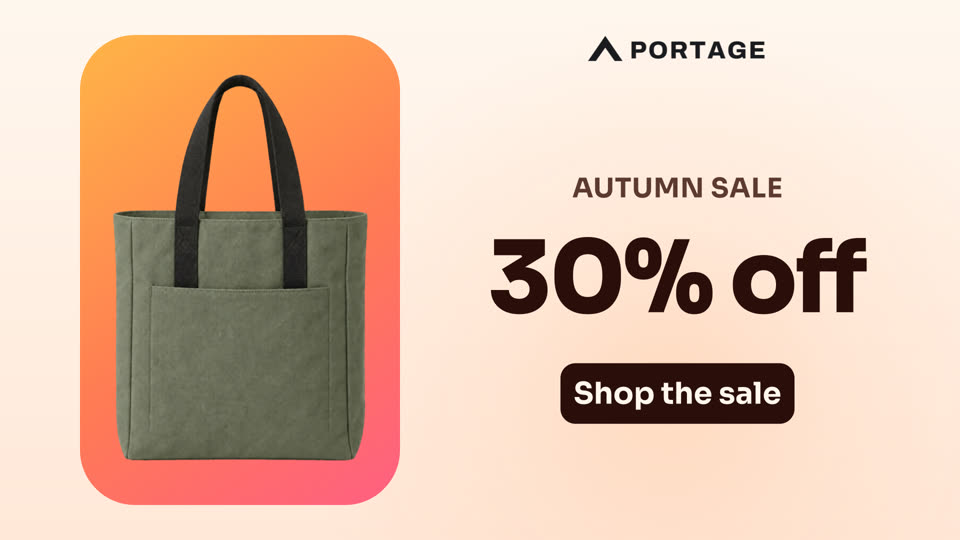
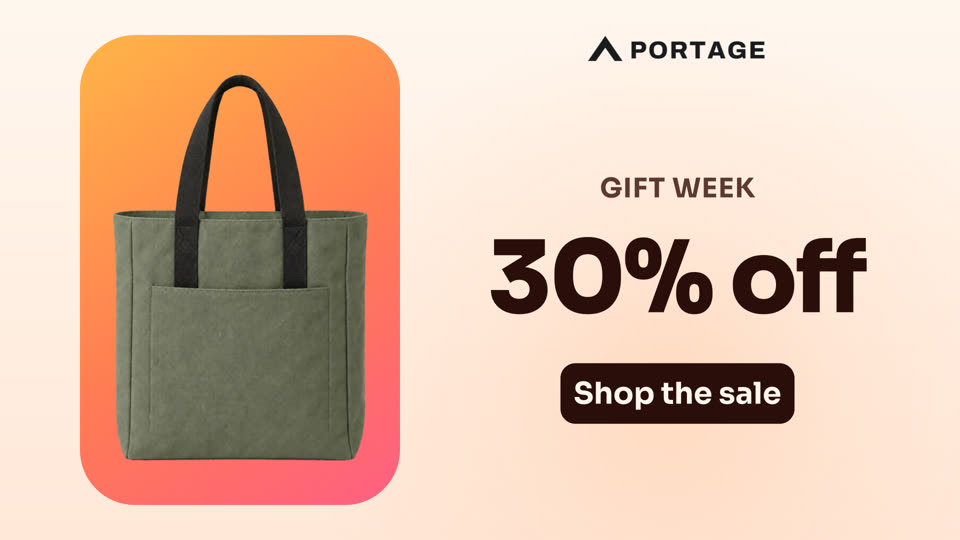
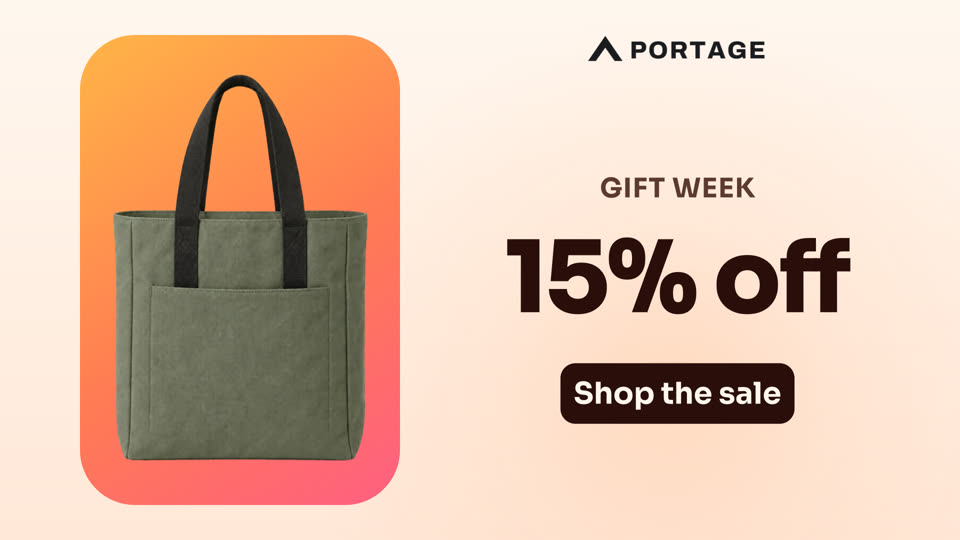
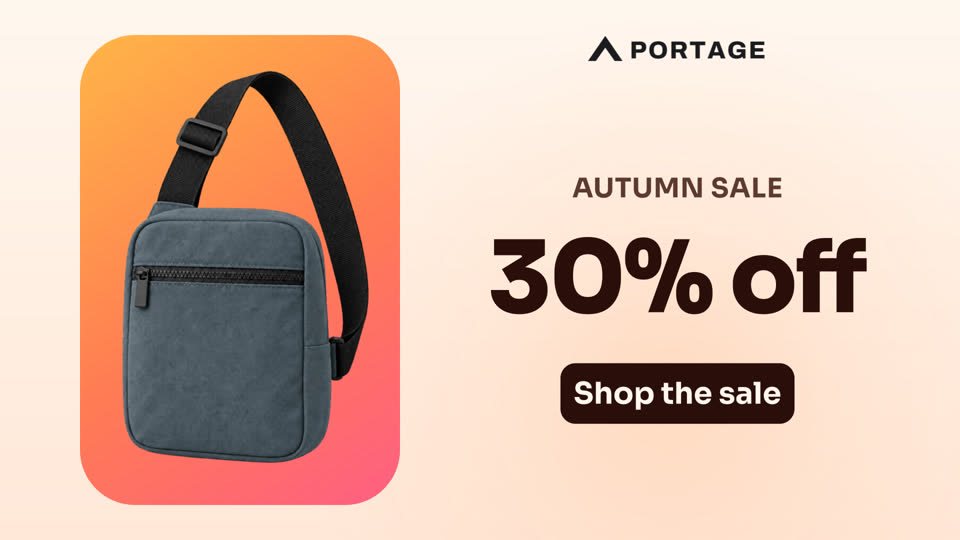
Make a video in the template editor, or pick a ready-made one. Then mark the parts people may change: each one becomes a field in the form.
Switch on the form, and share its link
One switch turns the template into a form. Send the link in an email or a chat, or put it on your website.
Sale videoAnyone can make the video
Anyone on your team fills in a product and an offer, clicks Create Video and downloads the result. The design stays yours, so every video stays on brand.
What people make with forms
Whenever many people need the same kind of video, each with their own details. Each of these starts from a ready-made template.

Every agent makes one for their own listing.

Every shop shows its own new pieces.
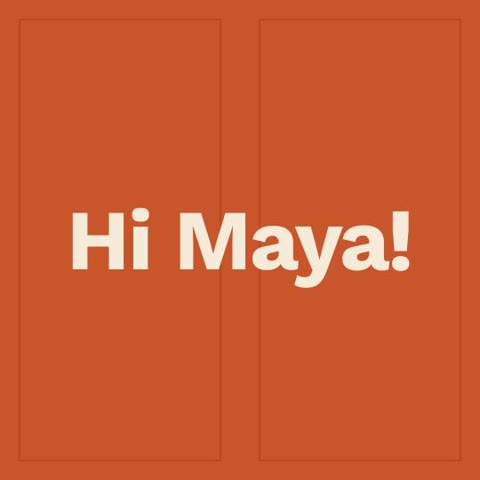
Every manager welcomes their new hire.

Every speaker announces their own session.

Every guide shares the photos of their tour.
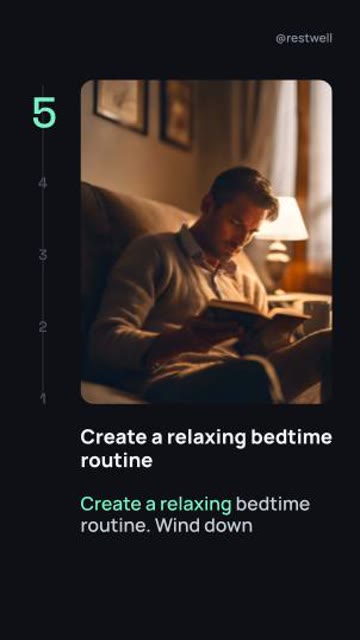
Every expert shares their top five.
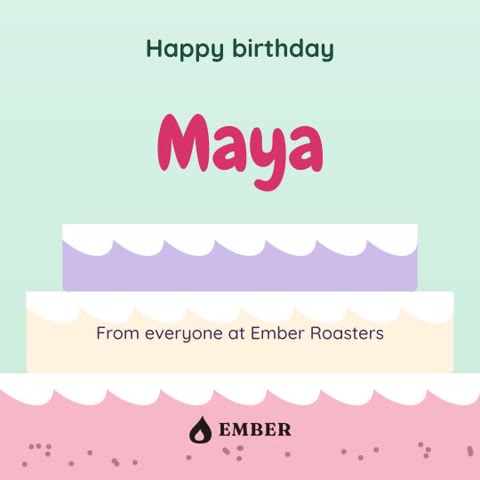
Anyone on the team can send one.

Anyone can turn a short tip into a video.
Good to know
Do people need an account?
No. Anyone with the link can fill in the form and download the video.
Can they change the design?
No. They fill in only the parts you marked; everything else stays as you designed it.
What can they upload?
Photos and video clips (JPG, PNG, MP4 or MOV), and MP3 audio where your design has sound.
What does it cost?
Each video uses credits from your plan, whoever fills in the form. See pricing.
Can I switch a form off?
Yes, at any time. The link stops working until you switch it on again.
Where do I start?
Read Spreadsheets and forms in the docs, from your first design to a shared form.
Ready to share your first form?
Start for free →- Every feature included
- 50 free credits
- No credit card required