Design the template,
then automate it
A video and image editor made for automation. Design with text, photos, video and animation, and mark the parts that change.
Start from a template, or from scratch
Pick one of the ready-made designs and change anything, or start with an empty canvas. Add text, photos, video, shapes and music, and animate them on the timeline.
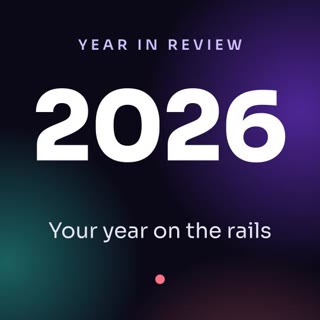
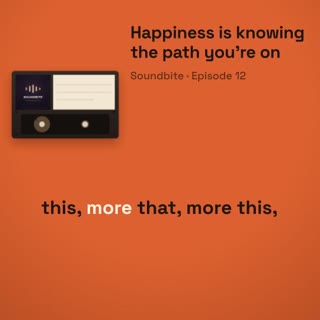
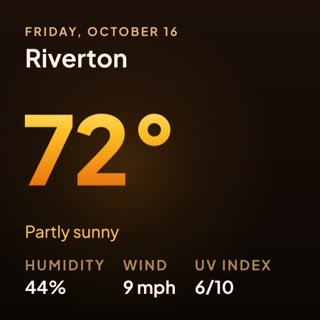
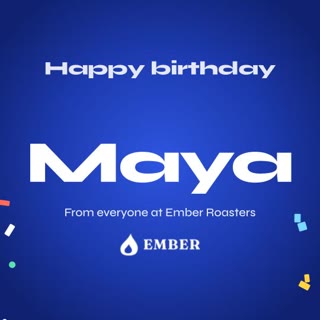

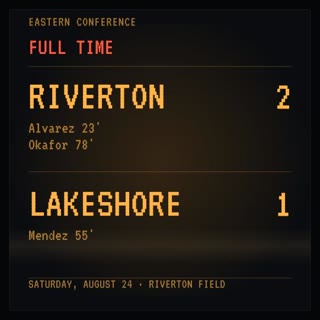
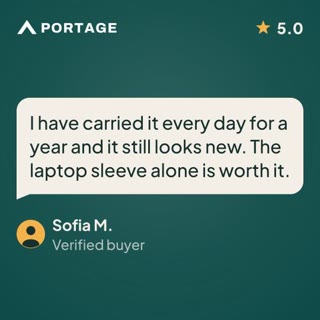

Mark the parts that change
Switch on Dynamic for any part that should be different in each video, like a product's name, photo and price. Everything else stays as you designed it.
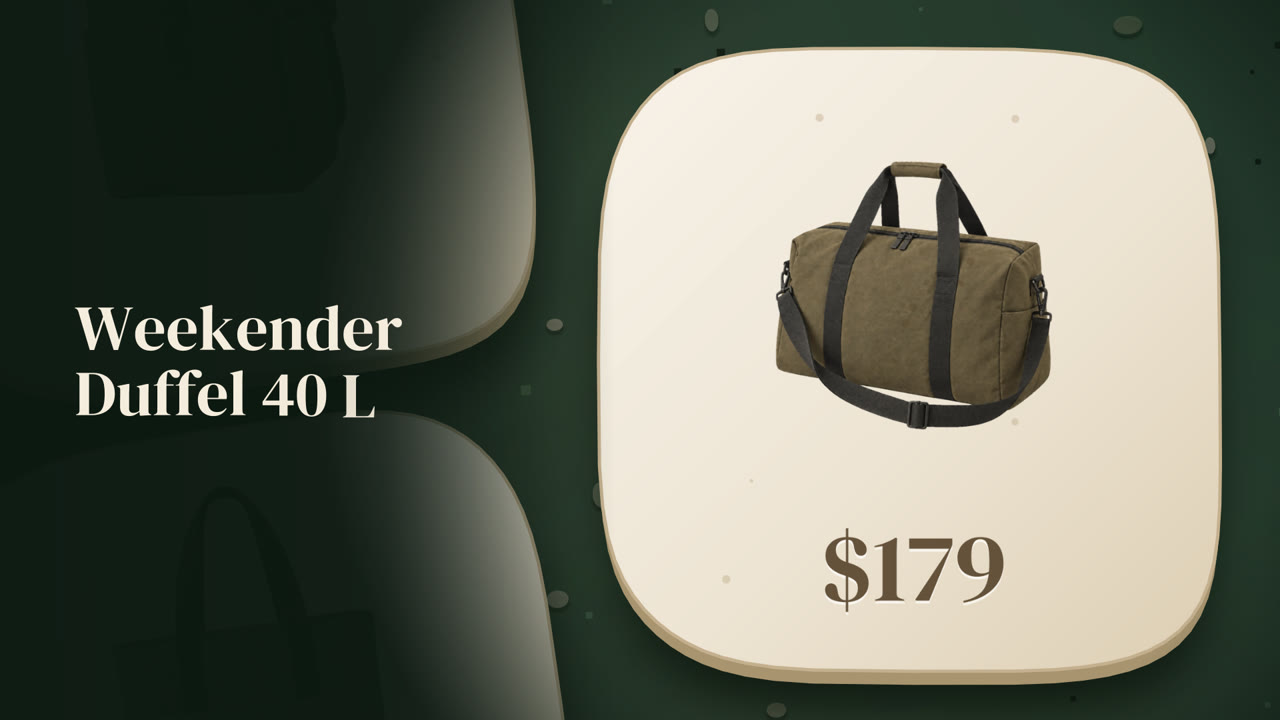
Make videos from it
Click Use Template and choose how the videos get made: from a spreadsheet, a form, your automation tool or your own code.
One design, every format
The ready-made templates come vertical, square and widescreen, each laid out for its format.
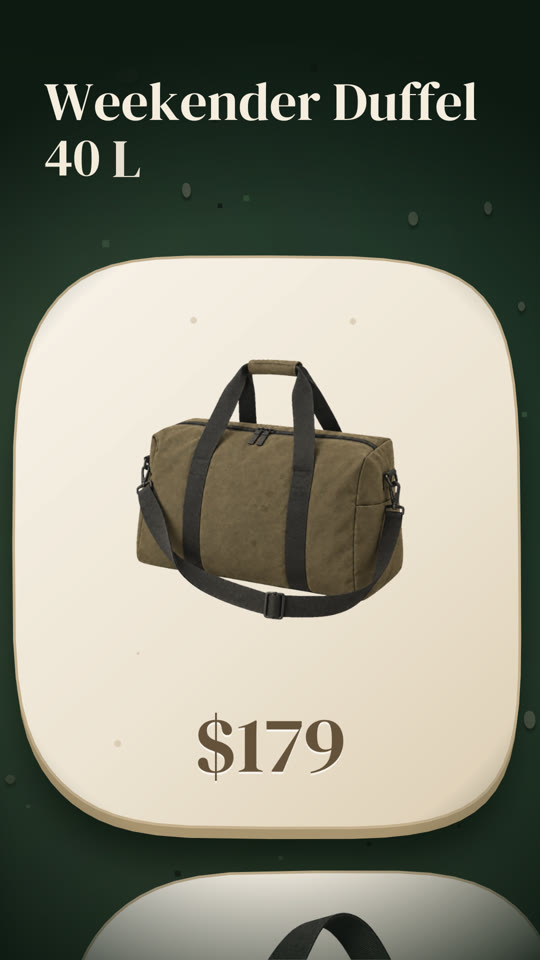
Vertical, for Shorts and Reels
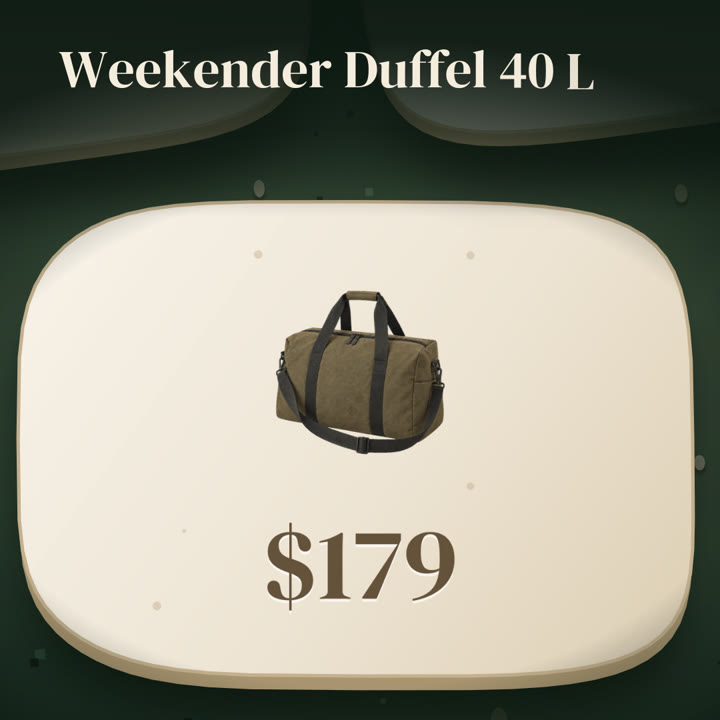
Square, for posts
Widescreen, for YouTube
Everything a video needs
Place every element in time, and animate any property with keyframes.
Ready-made fades, slides and text animations for elements and scenes.
Text sizes itself to its box, so a long name or title never runs over.
Elements arrange themselves, so the design holds together whatever goes in.
Add subtitles to any video with speech, styled to match your design.
Every template is RenderScript underneath. Open it and edit the JSON directly.
Good to know
Do I need to install anything?
No. The editor runs in your browser, and your templates are saved in your account.
Do I need to know video editing?
No. Start from a ready-made template and change the text, photos and colors. The timeline is there when you want more.
Can I make images too?
Yes. A template can be an image instead of a video, for posts, banners and thumbnails.
What does it cost?
Designing templates is part of every plan; each video you make uses credits. See pricing.
Can I see a template before automating it?
Yes. Single Export renders it once, so you can check the finished video first.
Where do I start?
Read What is a template? in the docs, then open the editor from your dashboard.
Ready to design your first template?
Start for free →- Every feature included
- 50 free credits
- No credit card required